
Invoice tracker
Comes with the Accounts Receivable Assistant agent. When you add it, the agent sets up this app in a few minutes, keeps it up to date and adapts it to how you work.
Available in every region: Canada, the US and the EU.
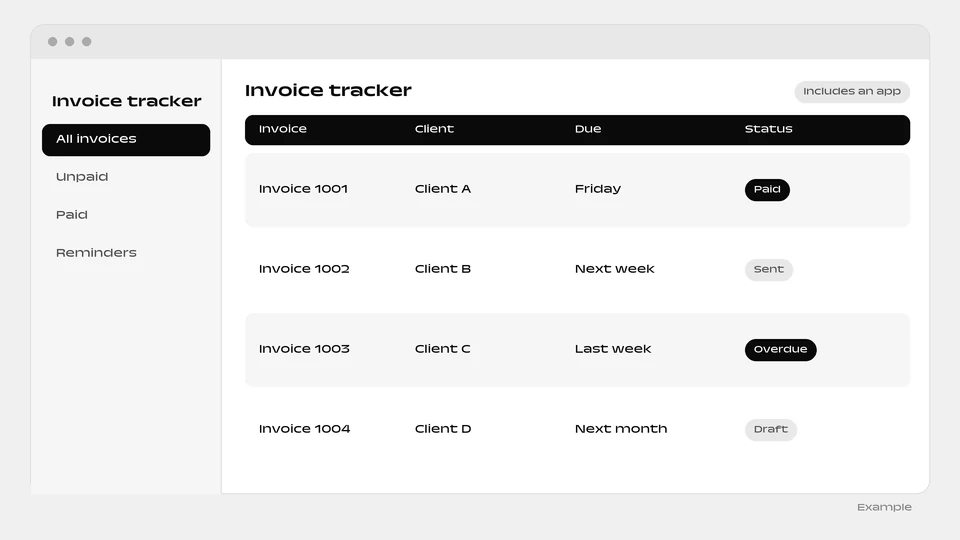
A ready-made tracker that shows what each customer owes and who to chase today.
What you can do
- See who owes what and who to chase today
- Record promises to pay and payments received
- Get polite or firm reminders drafted for your approval
The agent that runs it
Comes with a ready-made invoice tracker and keeps it current: what each customer owes, who to chase today, promises to pay and payments received, with polite, firm reminders drafted for your approval.
What the agent brings
- Dunning sequence: Use when an invoice passes due or the weekly collections review runs.
How it works
- The box “Include a ready-made app” is ticked by default when you add the agent. Untick it and the agent is added without the app.
- You and your colleagues sign in to the app with your email.
- Setup runs in the background, step by step, and each step is retried up to 3 times. The app appears as a website project of the person who added the agent.
- The agent reads and writes the app’s data, and can change the app itself through the Websites & apps builder.
- The app needs a connected environment and funds in your balance. Without them, the agent is added without the app and explains why in its conversation.
- The app goes live automatically when the agent is added. You can untick the box when added.
More apps: Money and purchasing
-
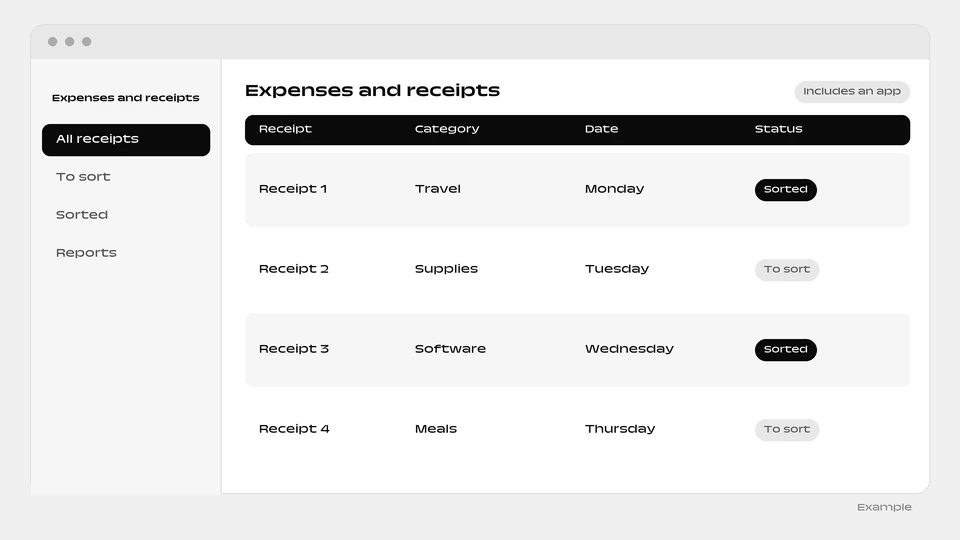 Expenses and receipts Set up by Bookkeeping Assistant
-
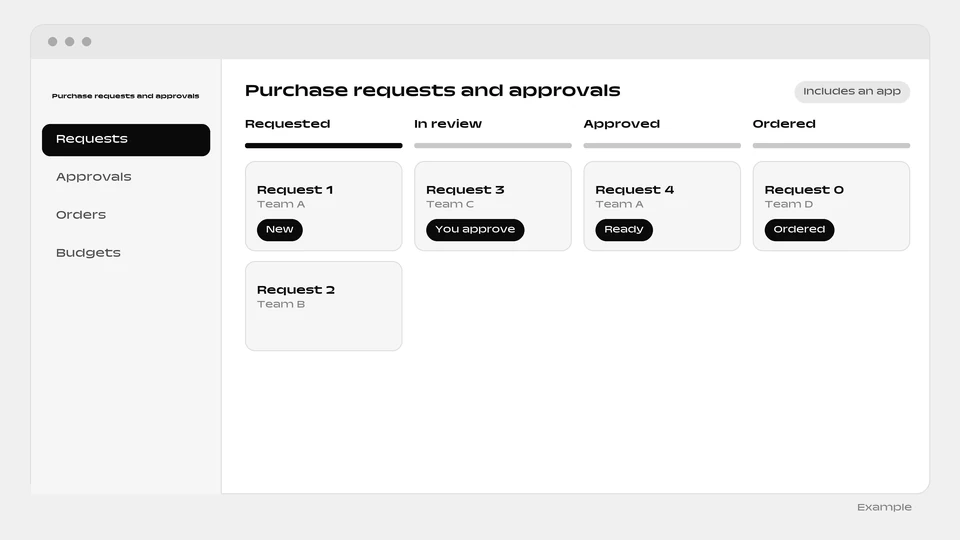 Purchase requests and approvals Set up by Purchasing Coordinator
-
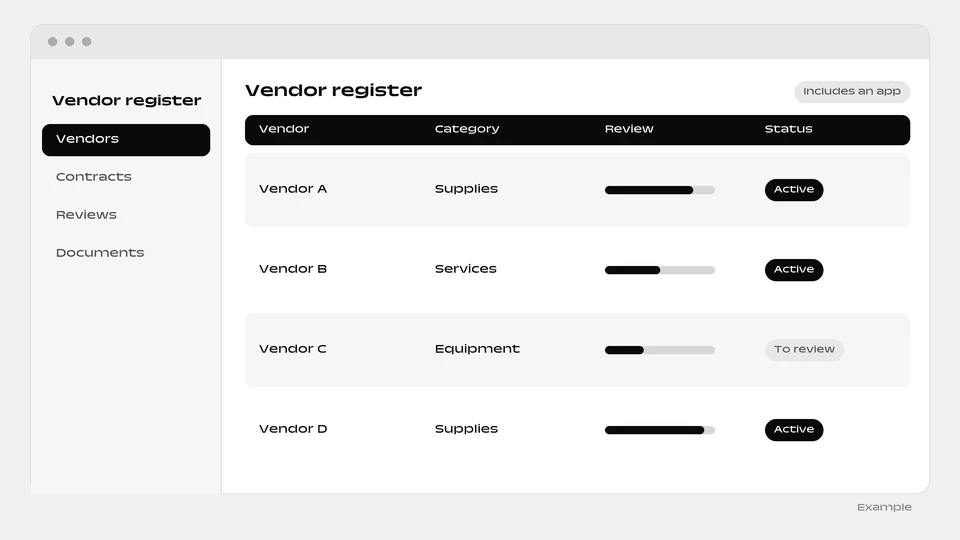 Vendor register Set up by Procurement & Vendor Manager
-
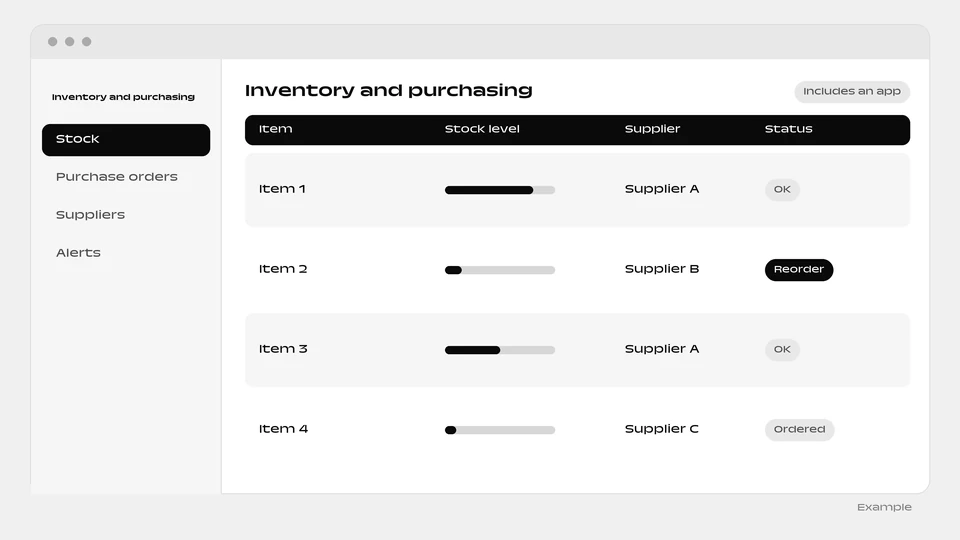 Inventory and purchasing Set up by Inventory & Purchasing Manager
-
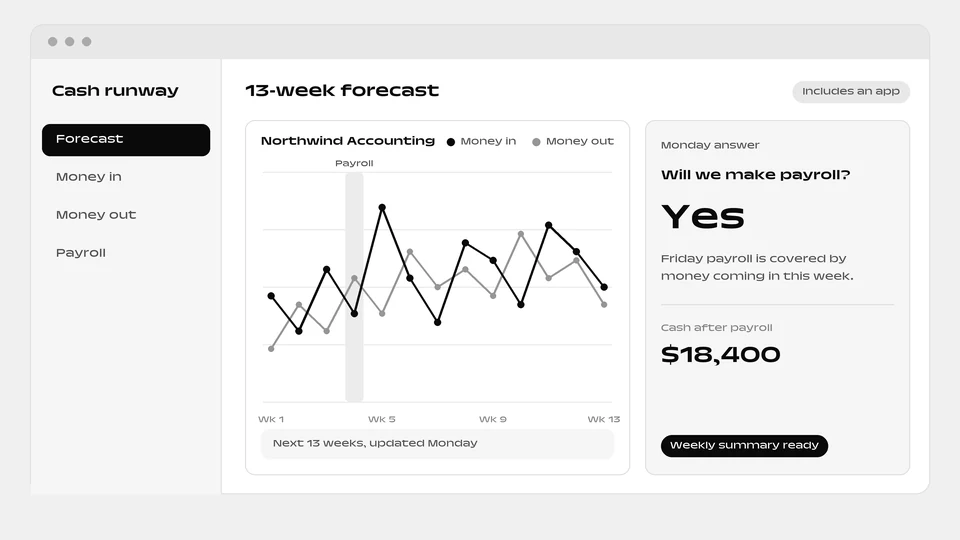 Cash runway Set up by Financial Analyst
-
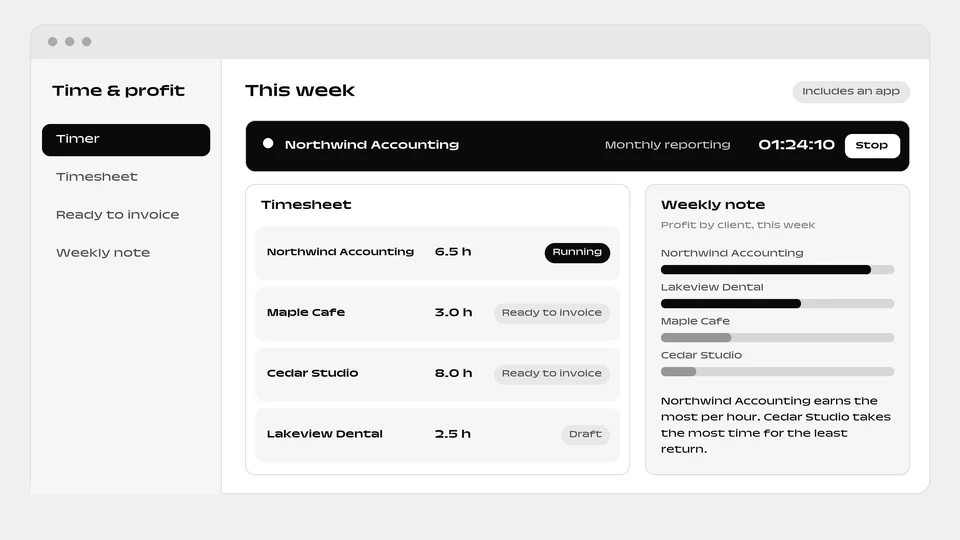 Time & profit Set up by Client Profit Check
Questions
Will every customer get the same payment reminder?
No. Each reminder is drafted polite or firm to suit the customer and waits for your approval before it goes out. The tracker also shows who to chase today.
Do I have to take the Invoice tracker app along with the Accounts Receivable Assistant?
No. The box “Include a ready-made app” is ticked by default, so the Invoice tracker app arrives with the Accounts Receivable Assistant unless you untick it. Unticked, you get the agent alone and no app for showing what each customer owes and who to chase today.
What do I need for the Invoice tracker app to be set up?
The Invoice tracker app needs a connected environment and funds in your balance. Without them, the Accounts Receivable Assistant is added without the Invoice tracker app and explains why in its conversation.
What does the app that comes with the Accounts Receivable Assistant do day to day?
It is a ready-made tracker that shows what each customer owes and who to chase today. Day to day: see who owes what and who to chase today; record promises to pay and payments received; get polite or firm reminders drafted for your approval. The Accounts Receivable Assistant agent runs it for you.
Add the Accounts Receivable Assistant agent
The Invoice tracker app is included. You can untick the box when you add it to add the agent alone.
Add this agent